4.6.1. Company Information
4.6.1.1. Company Profile
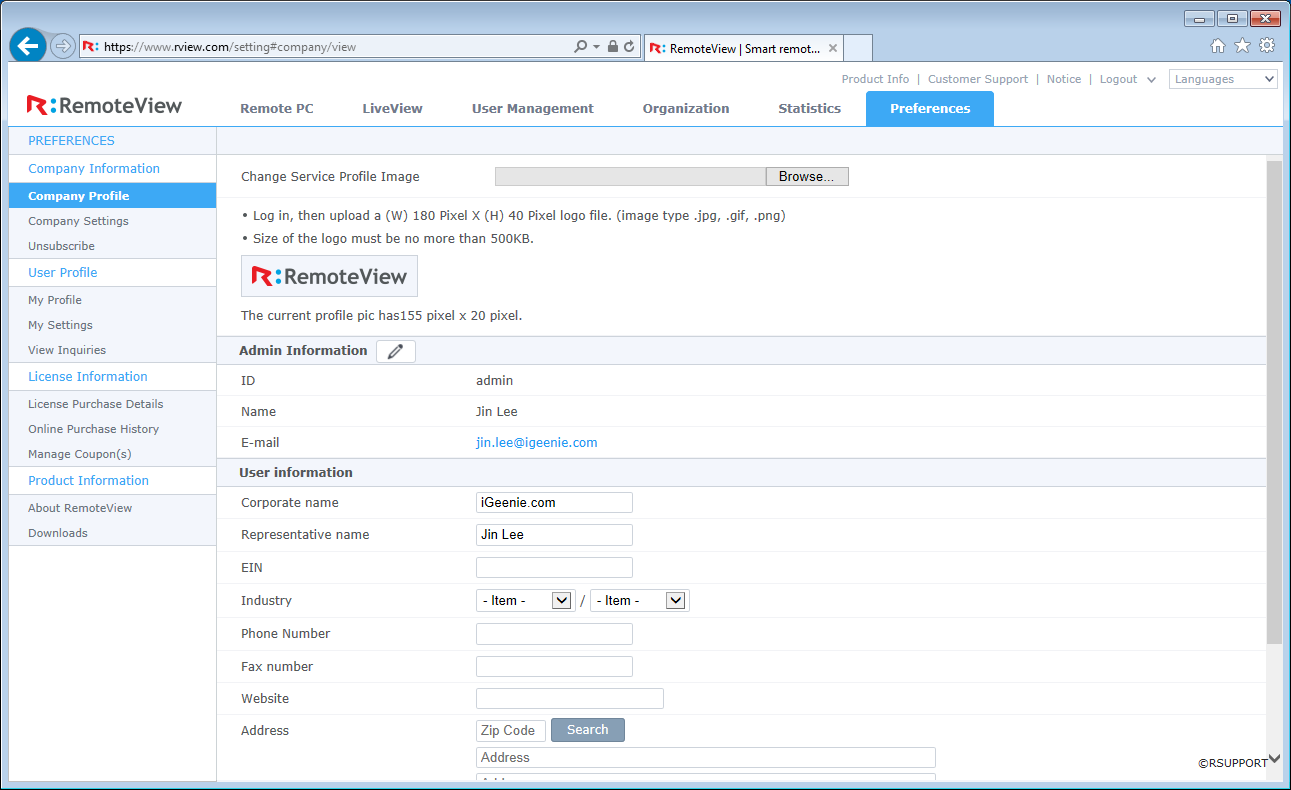
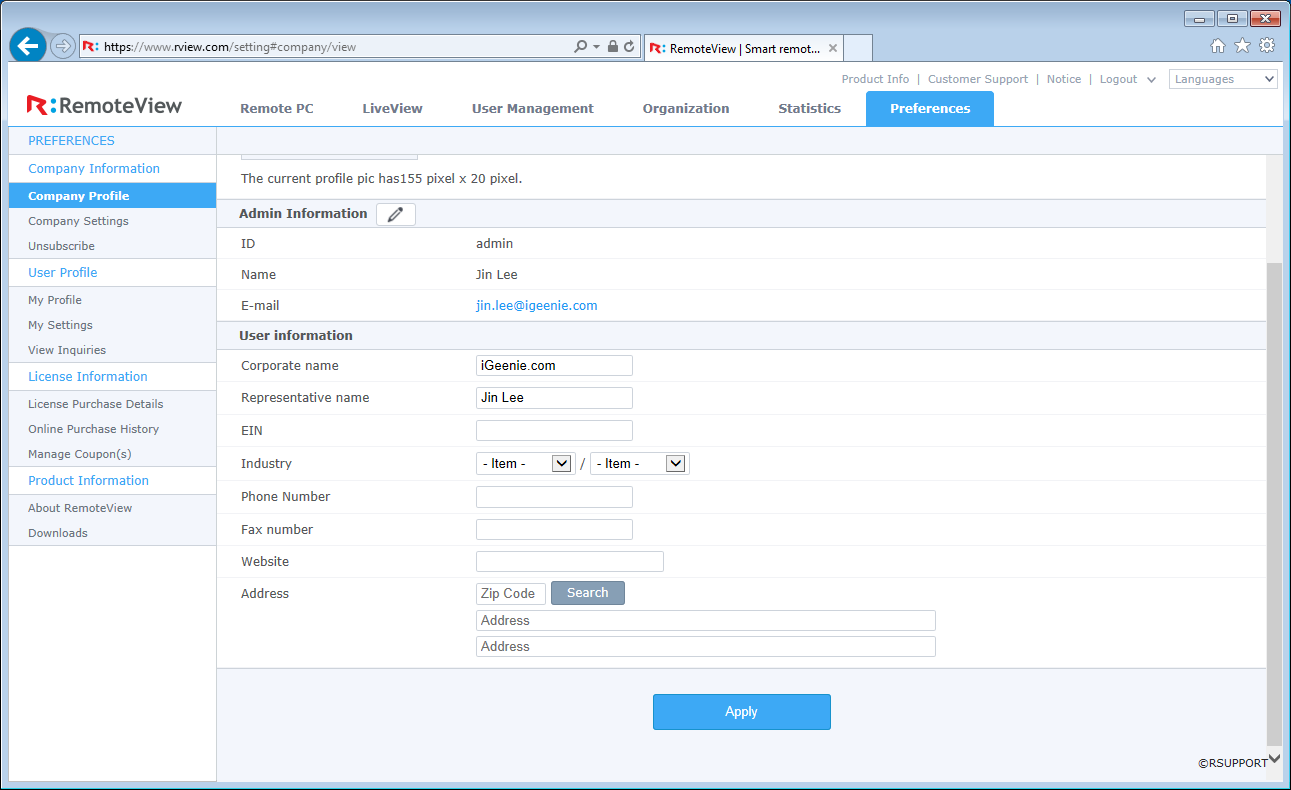
View and update the following information about the company.
- Company logo
- Admin information
- User information
 |
 |
|---|---|
| Admin information | User information |
[Note]
- Admin ID cannot be changed.
- Updated information will be synchronized to the account details.
- If the password is changed, verification window will be presented. It must be verified to have the password updated.
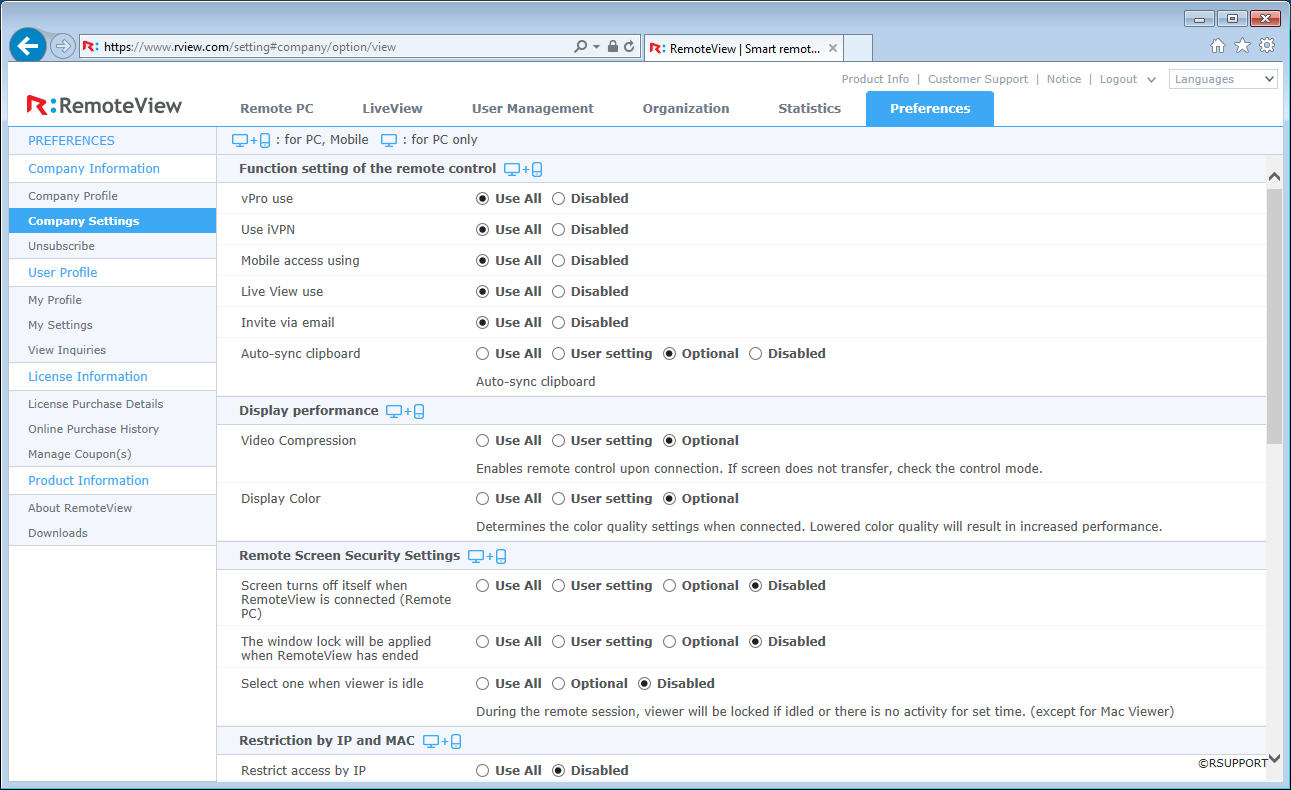
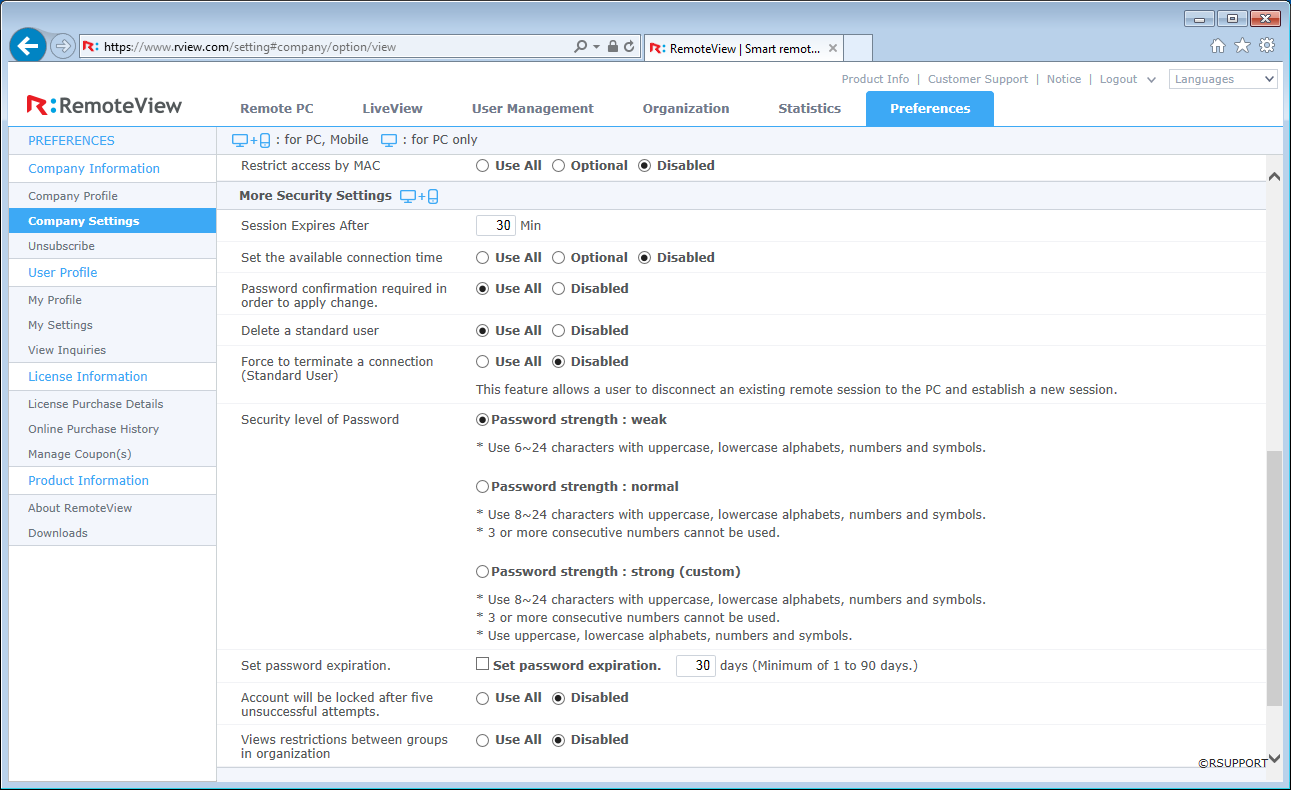
4.6.1.2. Company settings
 |
 |
|---|---|
* Remote control (PC, Mobile)
| Name | Description | Default |
|---|---|---|
| vPro | Set the usage of vPro power control features. | Use All |
| Mobile device | Set the connection from mobile devices. | Use All |
| LiveView | Set the usage of LiveView feature. | Use All |
| Invite via email | Set the usage of sending invitation via email. | Use All |
| Auto-sync clipboard | Set to sync clipboard information automatically. | Use All |
* Display performance (PC, Mobile)
| Name | Description | Default |
|---|---|---|
| Video compression | Set the video mode at the connection. | Optional |
| Display color | Set the default color at the connection. | Optional |
* Security (PC, Mobile)
| Name | Description | Default |
|---|---|---|
| Screen off on connection | Increase security by turning the remote screen off on connection. | Optional |
| System lock after session | Lock the remote PC after session is ended. | Optional |
| Lock viewer on idle | Lock the viewer with password if it is not accessed for a set period of time. | Optional |
* Restriction by IP and MAC (PC, Mobile)
| Name | Description | Default |
|---|---|---|
| Restrict access by IP | Only allowed/listed IP can access the remote PC. | Disabled |
| Restrict access by MAC | Only allowed/listed MAC can access the remote PC. | Disabled |
* Advanced (PC, Mobile)
| Name | Description | Default |
|---|---|---|
| Session expiration | Set the session time out period for the web console. | 30 min |
| Process input window timeout | Request will expire if the process is not entered before the set time (1 min ~ 60 min) and the window will be automatically closed. | 5 min |
| Scheduled access | Set the schedule for users that allows the connection to remote devices. Admin and managers are not affected. | Disabled |
| Pasword confirmation | The password is asked before any change is being applied. | Use All |
| Delete agent by user | Allows a user to remove the agent program on the remote PC. | Disabled |
| Force disconnect by user | Allows a user to close any current connection to the remtoe PC and get connected. | Disabled |
| Lock mouse/keyboard during session | Locks the mouse and keyboard for the entire session. Some Windows shortcut key and mouse/keyboard on UI is allowed. - Ctrl+Alt+Del and Win+L to move to a different UI. - Windows logon screen to enter the account information. |
Disabled |
| Password security level | Set the password difficulty level. | strength: weak |
| Password expiration | Set the expiration time of the password. | Disabled, 30 days |
| Account lock after 5 attempts | Locks the account after 5 failed attempts on the password. Only admin and managers can unlock the account. | Disabled |
| Views restriction between groups in organization | Limit the user to view only the group that it belongs to. | Disabled |
| 2-step verification (OTP) | Uses Google's OTP at the web console login. | Disabled |
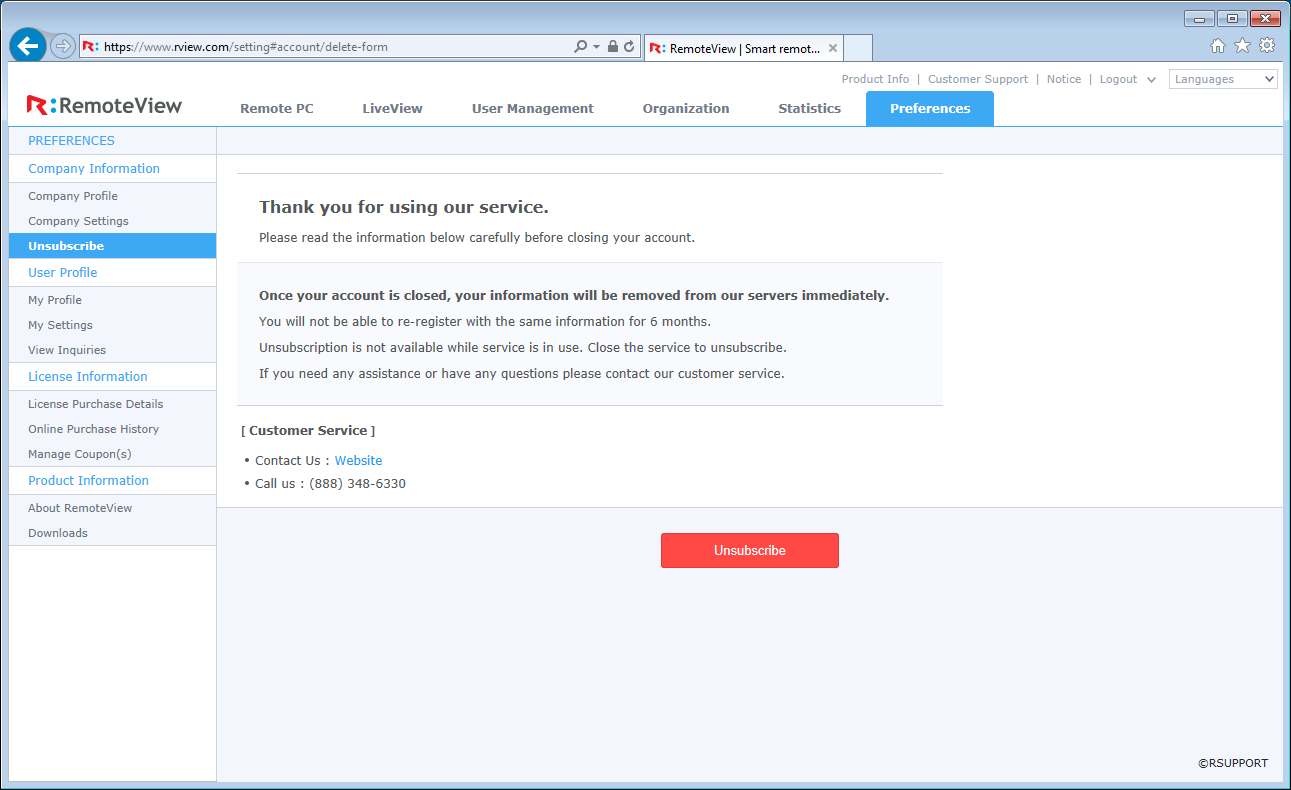
4.6.1.3. Unsubscribe
By pressing the Unsubscribe button, the account information will be erased and service will be terminated immediately. Email and other information cannot be re-used for 6 months after it is unsubscribed. Use "Contact Us" for any further inquiries.