4.6.2. User Profile
4.6.2.1. My Profile
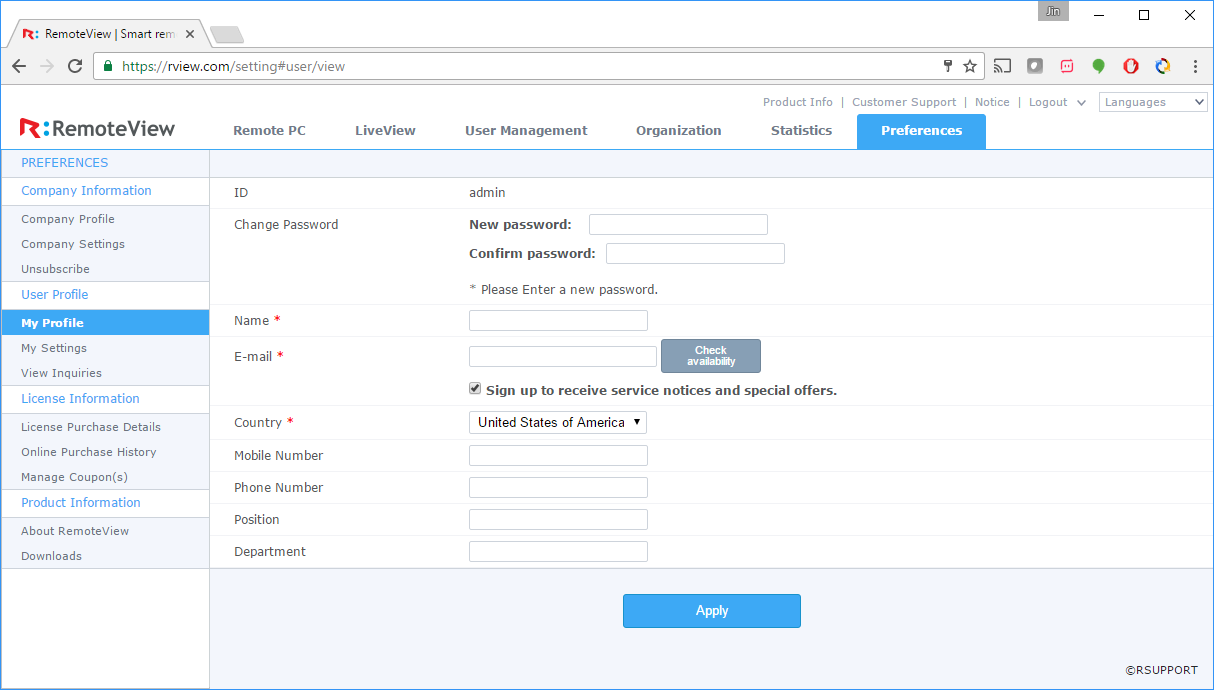
View and update user's account and personal information.
- Change password
- Edit name and email
- Other personal information (phone, department, etc.)
4.6.2.2. My Settings
 |
 |
|---|---|
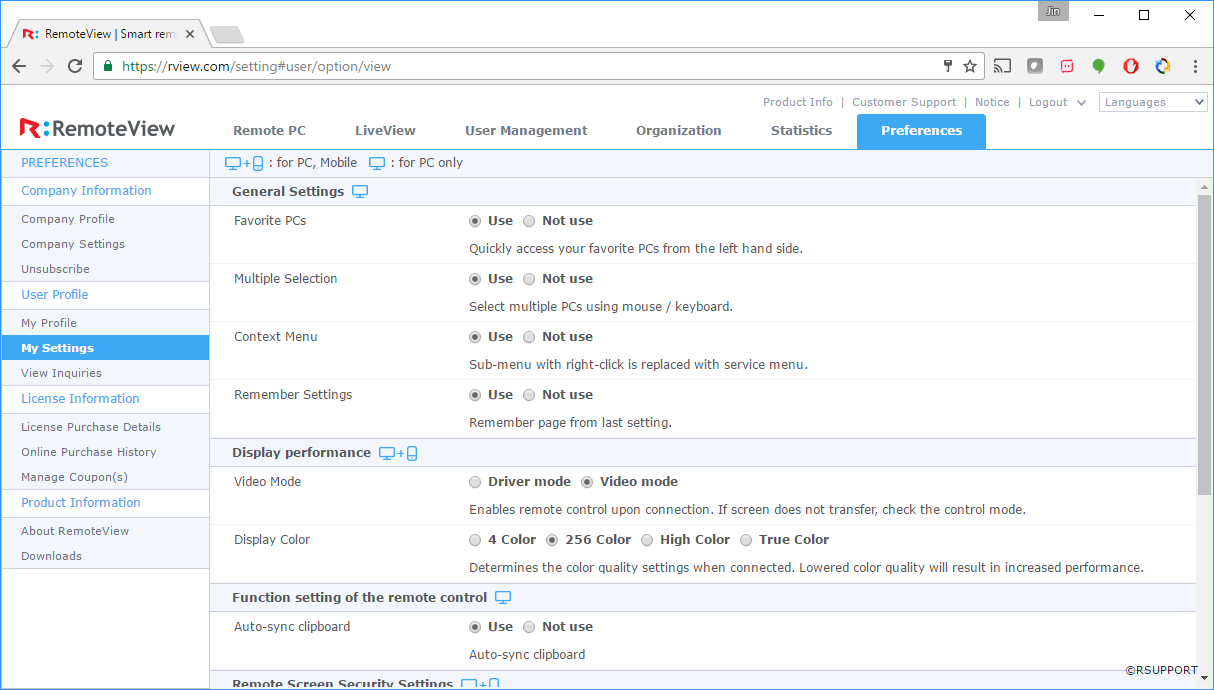
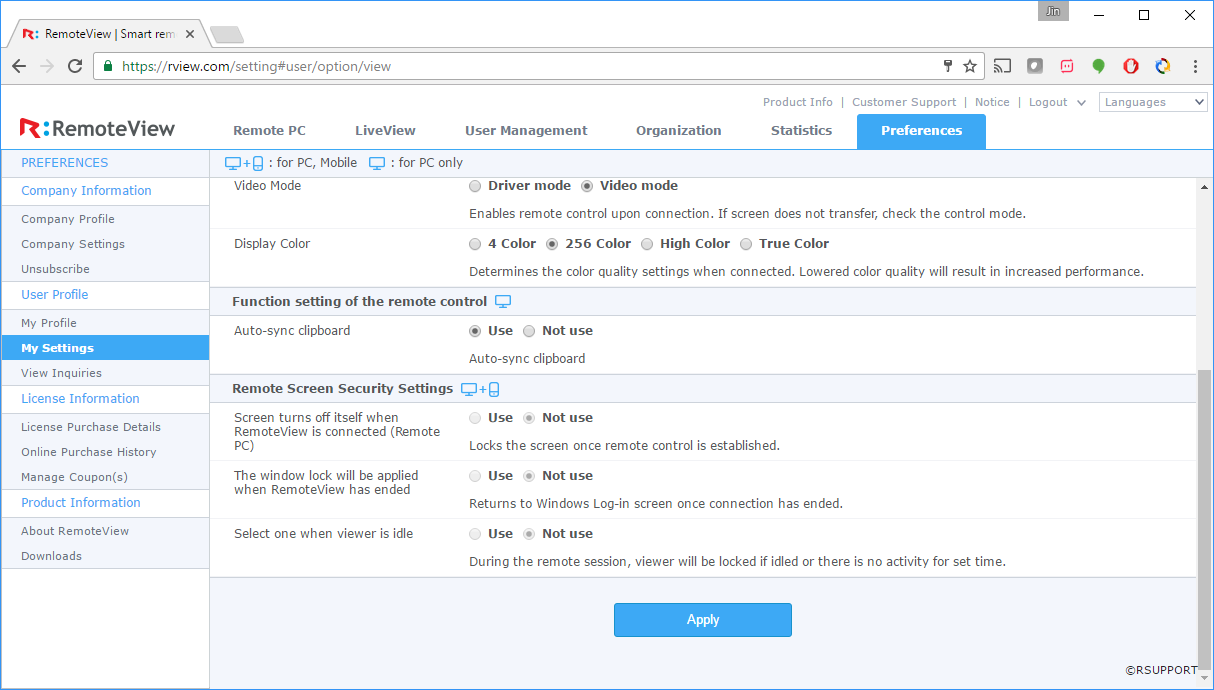
| General Settings/Display performance | Function setting of the remote control |
* General (PC only)
| Name | Description | Default |
|---|---|---|
| Favorite | Set the usage of Favorite option. | Use |
| Multiple Selection | Allows users to select multiple items with mouse and keyboard. | Use |
| Context Menu | Set the usage of context menu by right clicking the item. | Use |
| Remember Last Page | Remembers the last state (screen) before logging out. | Use |
* Display
| Name | Description | Default |
|---|---|---|
| Graphic Mode | Set the default video mode to connect with (Driver or Graphic mode). | Video mode |
| Display Color | Set the default display color (faster response for lower color). | 256 color |
* Remote Control
| Name | Description | Default |
|---|---|---|
| Auto-sync clipboard | Automatically sync the contents of the clipboard with remote device. | Use |
* Remote Screen Security
| Name | Description | Default |
|---|---|---|
| Lock screen upon connection | Locks the remote PC's screen when connected. | Not use |
| Lock PC upon disconnection | Locks the remote PC after session has ended. | Not use |
| Lock Viewer when idle | Locks the Viewer if there is no activity during the set time. | Not use |
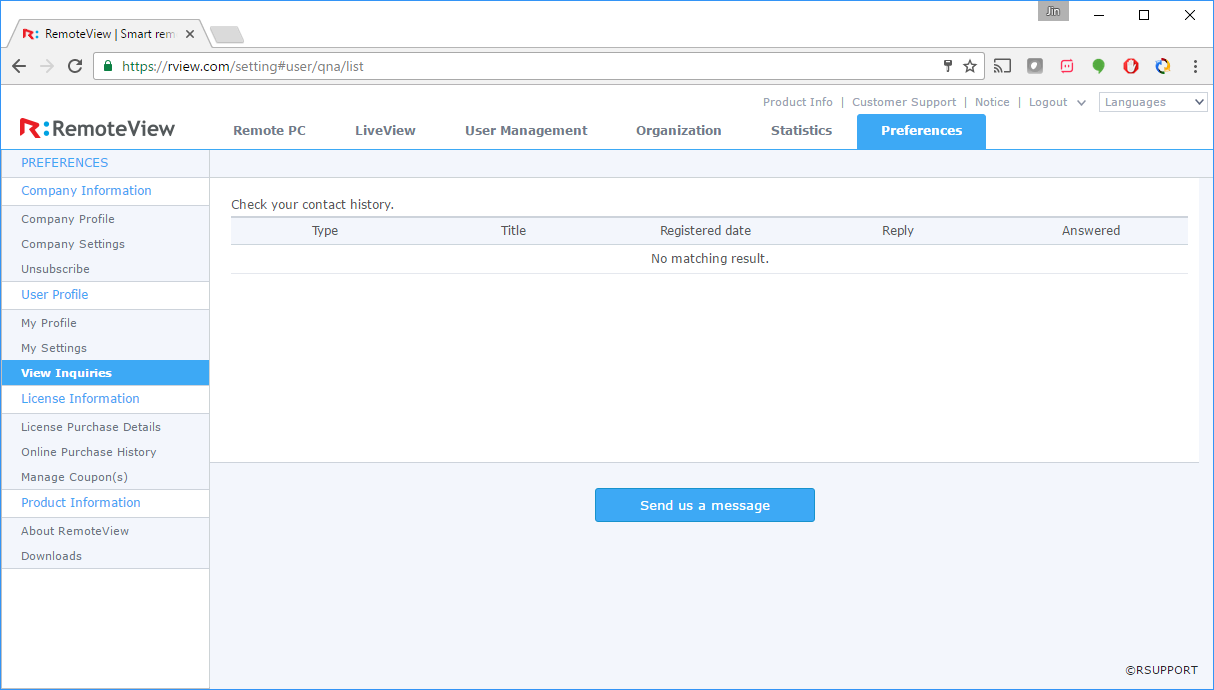
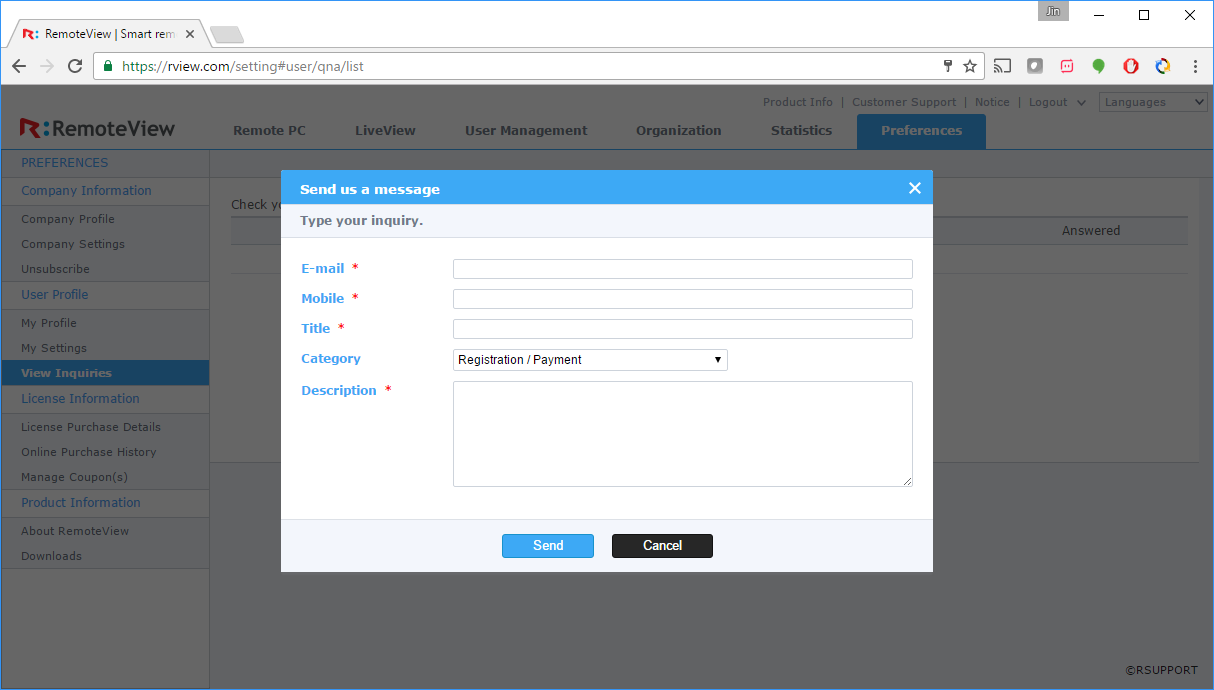
4.6.2.3. View Inquiries
View and answer inquiries received from customers.
 |
 |
|---|---|
| Name | Description |